



Don’t settle for Claude out of the box
Turning Claude on takes an afternoon. Getting real work out of it means your context captured, your systems connected, and your people trained to run it. That’s the part we do.





Start with one person or one team
AI Chief of Staff
Claude set up for one leader: their meetings, inbox, documents, and the reporting that eats their week. Built against a roadmap and handed over with the training to run it.
AI Coworker
Claude set up for one team, like HR or finance, with the team’s context, tools, and way of working built in. Then on to the next team.
how we deploy claude
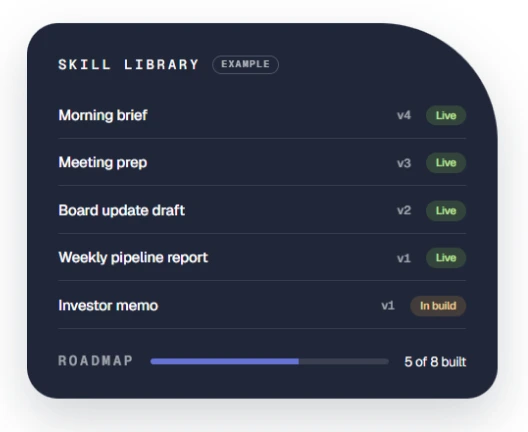
Turned it on. Now what?
If your team has Claude but usage has stalled, we’ll look at how it’s set up and how people are using it, then show you what a proper deployment would change.
We take our own medicine
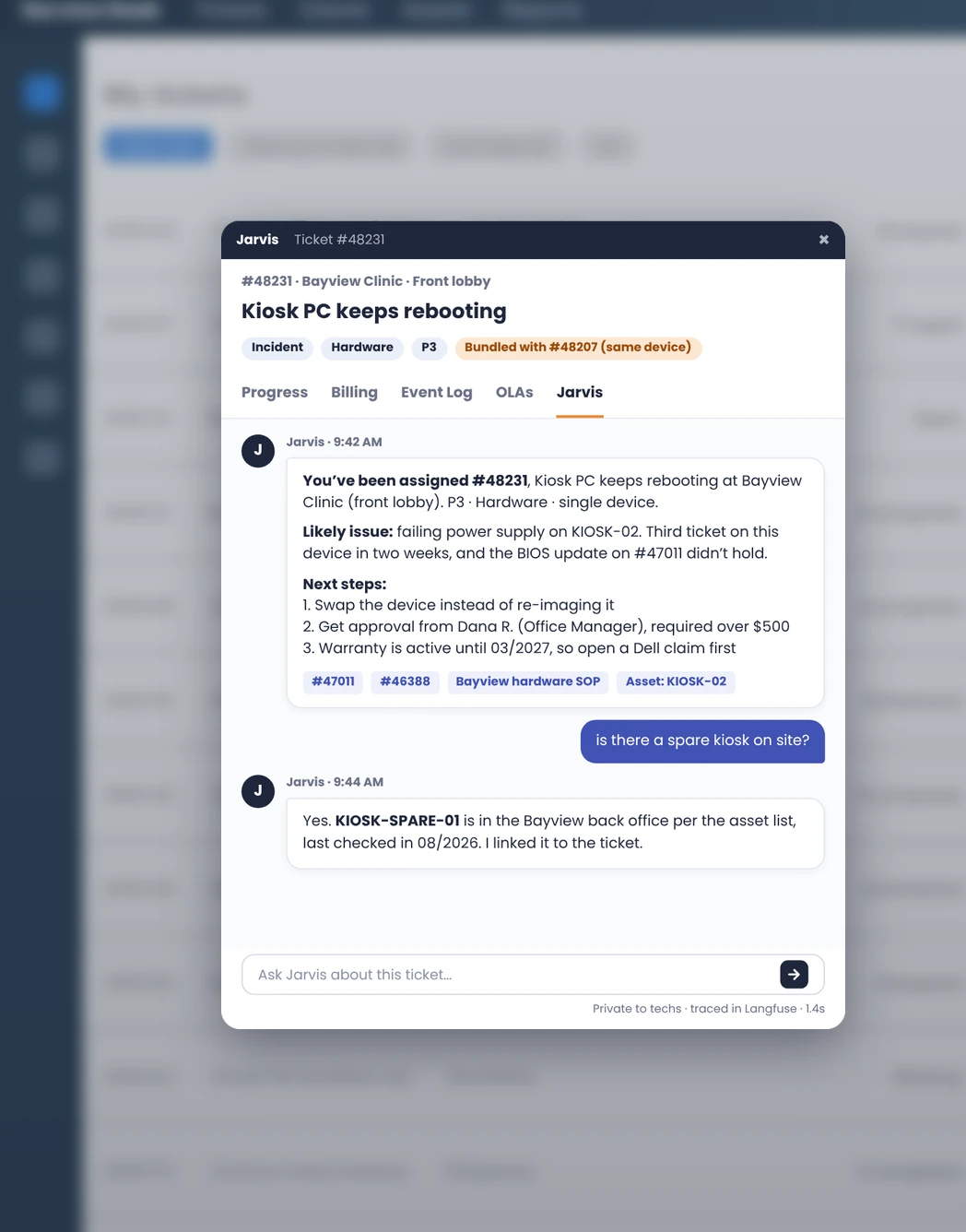
Before we build agents for clients, we run them ourselves. Our service desk took in hundreds of tickets a week by email, portal, phone, and monitoring alerts, and one person triaged and routed most of them by hand. About 42% got reassigned at least once. We built four agents on one shared data layer: they triage each ticket, route it to the right tech, assist inside the ticket, and learn from every correction. It went live in about three weeks.
Use the playbooks we use to plan better technology

IT Playbook for Startups
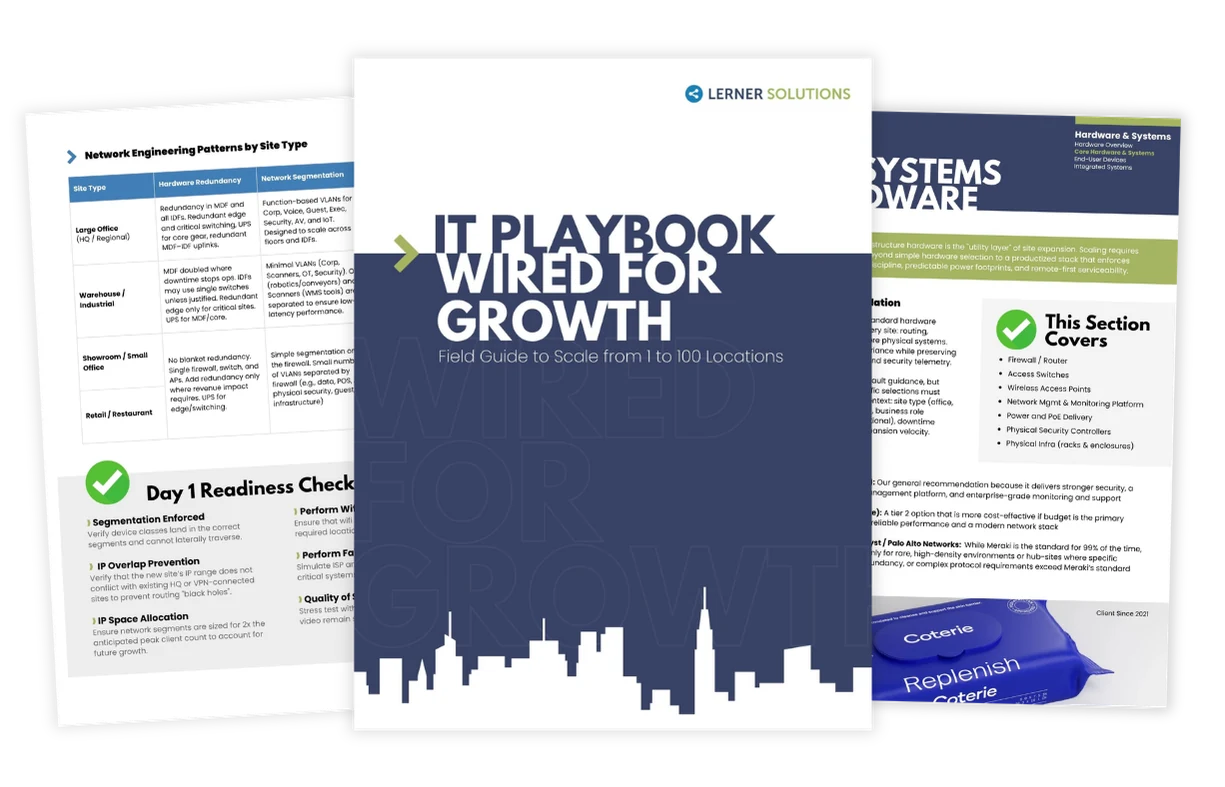
IT Design/Build: Wired for Growth
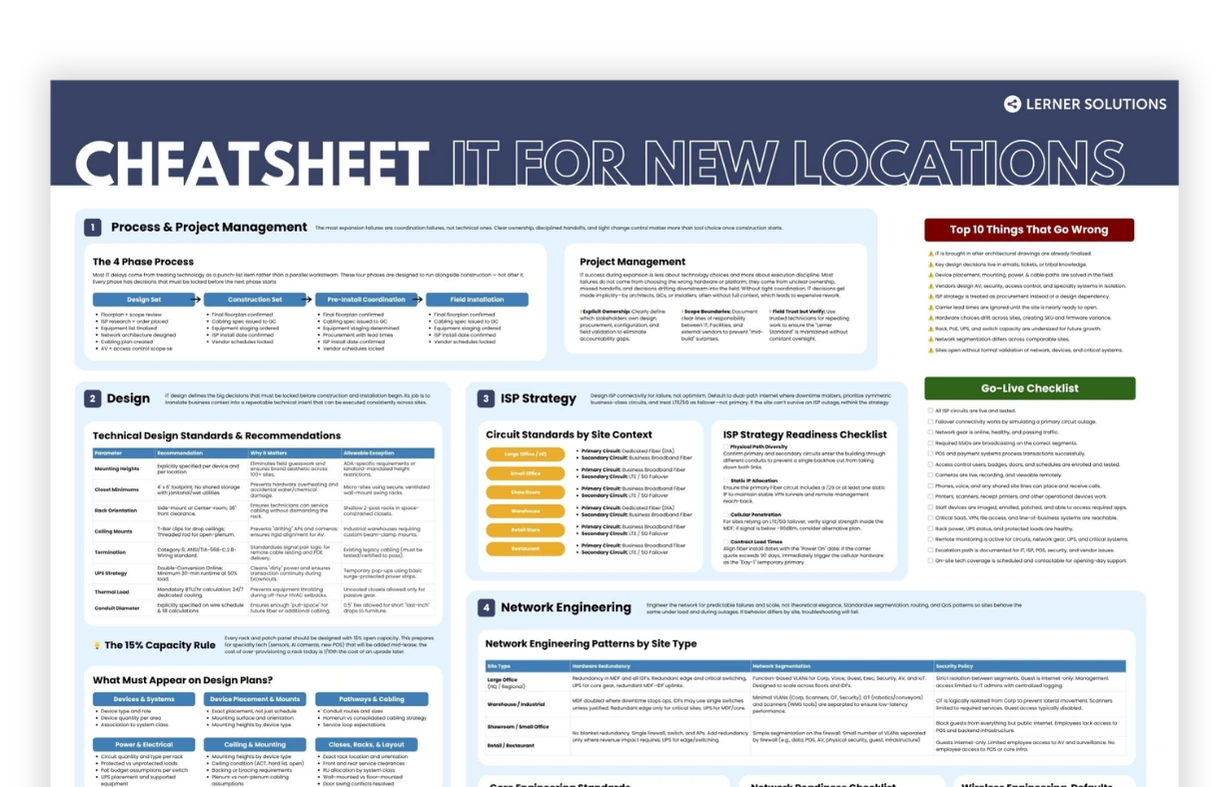
New Location Cheat Sheet
Before we talk, here's what most teams want to know.
Yes, and you should. But turning Claude on takes an afternoon. Getting real work out of it means capturing your context, connecting your systems and building the workflows. That’s where most DIY rollouts stall. We can do it for you or guide your team through it.
Very. We call it random acts of AI: a handful of people use it well, a few dabble, and the rest try it once and drop it. Getting past that takes commitment: training by role, shared workflows people can reuse, and someone who owns adoption.
Yes. We became an Anthropic partner in summer 2026, we’re moving up the partner tiers, and several of our team members are Claude-certified.
You do. Single sign-on, role-based access, and usage policies are set to match how your company already handles access. Custom connectors for internal systems are scoped to what each role should see.